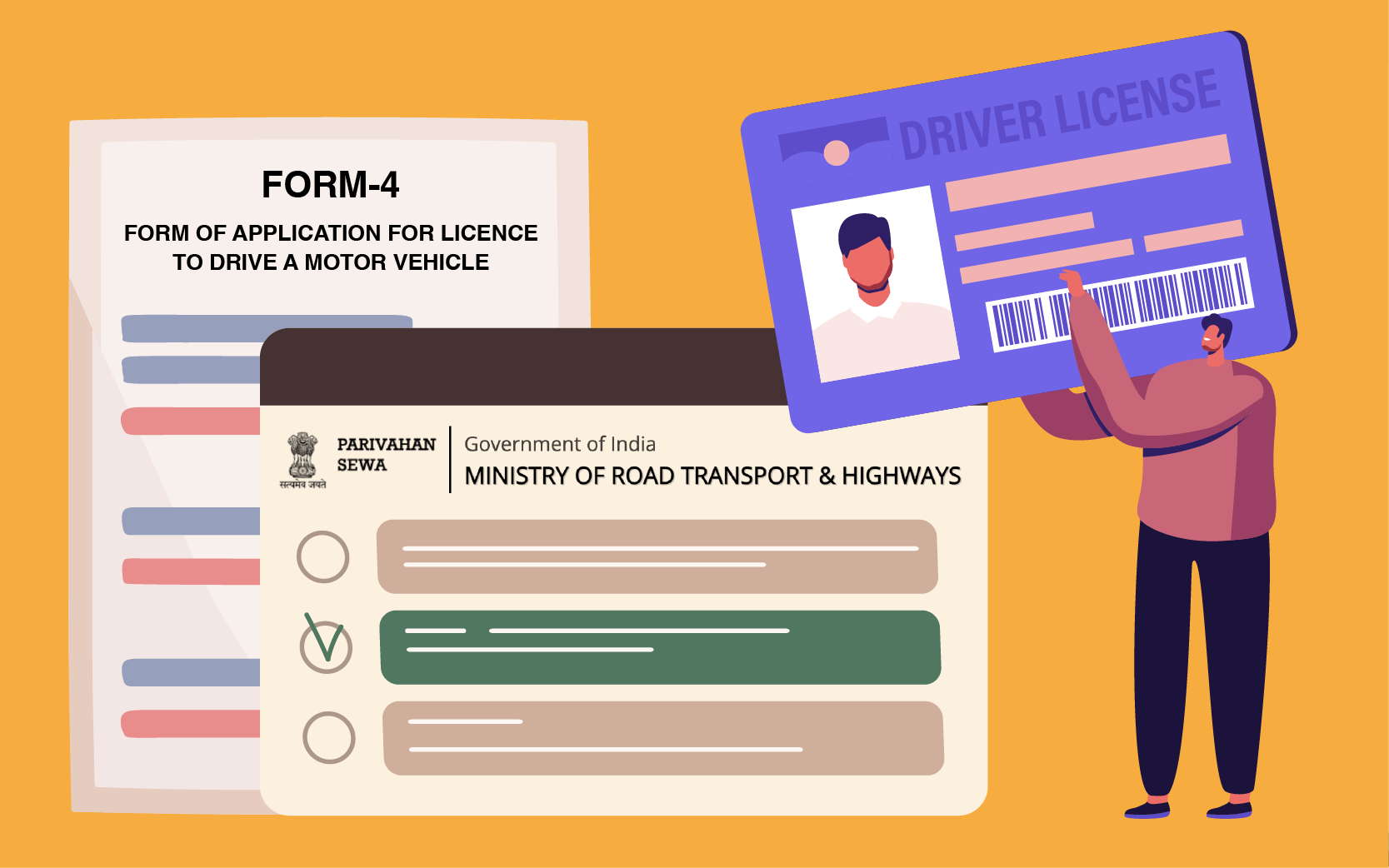
Acquiring a valid driving permit is a critical step in everyone’s life journey. It signifies not only the ability to move around freely but also a considerable amount of social responsibility towards road safety. In 2026, MoRTH is making it easier than ever for citizens to acquire one using the Sarathi Parivahan platform.
Saying goodbye to long queues at RTO offices is now a reality. For new drivers seeking their first permit or even existing ones who wish to change their vehicle category, knowing the steps involved in applying for a driving license online is crucial. This guide will help you navigate each step from getting a learner’s permit to taking the actual driving test.
1. The Two-Stage Process
One thing you need to know about acquiring a permit in India is that you cannot go straight into the permanent one. There is a two-step process involved:
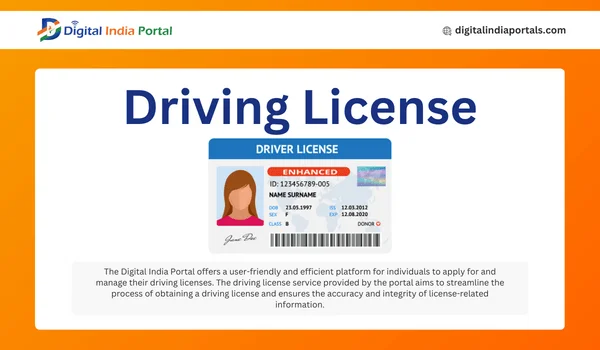
- Stage 1: Learner’s License (LL): It is a provisional license valid for 6 months. You may use it to drive on public roads under the supervision of a DL holder. You may obtain this license through a complete online application process with Aadhaar-based authentication.
- Stage 2: Permanent Driving License (DL): You may apply for this stage after 30 days from the issue of your LL, but before the expiry of your LL (in 180 days). A practical test of driving is mandatory
2. Eligibility Criteria for 2026
Before you begin your driving license apply online journey, ensure you meet the following age and category requirements:
| Vehicle Category | Description | Minimum Age |
|---|---|---|
| MCWOG | Motorcycles without gear (up to 50cc) | 16 Years |
| MCWG / LMV | Motorcycles with gear and Light Motor Vehicles (Cars) | 18 Years |
| HGV / Transport | Heavy Goods Vehicles or Commercial Transport | 20 Years |
3. Documents Required for Online Application
If your application is made digitally, you may do without any paperwork provided you use Aadhaar-based electronic Know Your Customer method. In case your application is to be verified manually, prepare the following documents:
- Proof of Age: Birth Certificate, School Leaving Certificate, or Passport.
- Proof of Address: Voter ID, Ration Card, or Life Insurance Policy.
- Medical Certificate: Form 1A (mandatory for applicants over 40 years or for transport vehicle categories).
- Photographs: Passport-sized photos (usually captured live during the RTO visit).
4. Step-by-Step: Driving License Apply Online (Learner’s License)
The first step to getting on the road is the Learner’s License. Follow these steps:
- Visit the Portal: Go to the official Sarathi Parivahan website (parivahan.gov.in).
- Select State: Choose your respective State from the drop-down menu.
- Apply for LL: Click on the “Apply for Learner License” icon.
- Aadhaar Authentication: Choose “Submit via Aadhaar Authentication.” This allows you to take the LL test from your home computer without visiting the RTO.
- Fill Application: Enter your details, vehicle class (e.g., LMV), and upload necessary documents.
- Fee Payment: Pay the nominal processing fee via UPI, Net Banking, or Credit/Debit Card.
- Online Test: Complete the tutorial video on road safety and appear for the online MCQ test. Once you pass, you can instantly download your Learner’s License.
5. Step-by-Step: Permanent Driving License Application
Once you have held your LL for at least 30 days, you can proceed to the permanent stage:
- Login to Sarathi: Return to the Parivahan portal and select “Apply for Driving License.”
- Enter LL Details: Provide your Learner’s License number and Date of Birth.
- Fill Form: Verify your pre-filled details and select the vehicle class for which you want to take the test.
- Slot Booking: This is the most crucial step. Use the “DL Test Slot Booking” tool to pick a date and time for your physical driving test at the RTO.
- Payment: Pay the DL application and test fee.
- RTO Visit: Reach the RTO 30 minutes before your slot with your original documents and the vehicle for the test.
6. Fee Structure Overview (Indicative)
While fees can vary slightly by state, here is a general breakdown of the costs involved in the driving license apply online process:
Service Type Fees (Approx.) Issue of Learner’s License ₹150 – ₹200 Learner’s License Test Fee ₹50 Permanent Driving License Fee ₹200 Driving Test Fee ₹300 Smart Card Fee ₹200
7. Useful Tips for a Successful Driving Test
The permanent license depends entirely on your performance during the RTO test. Keep these points in mind:
- Vehicle Check: Ensure the vehicle you bring for the test has a valid “L” sign (for LL holders), active insurance, and a valid PUC certificate.
- Safety Gear: Always wear a helmet (for two-wheelers) or a seatbelt (for four-wheelers) before starting the engine.
- Signals: Use hand signals and indicators correctly. RTO inspectors check for your awareness of mirrors and surroundings.
- The “8” and “H” Tracks: Practice driving in an ‘8’ shape for bikes and a reverse ‘H’ or ‘S’ for cars, as these are standard test tracks.
FAQs: Driving License Apply Online
Can I get a driving license without going to the RTO?
In 2026, you can get a Learner’s License without visiting the RTO by using Aadhaar authentication. However, for a Permanent License, a physical driving test at the RTO or an accredited driving school is mandatory to verify your skills.
How can I track my DL application status?
Go to the Sarathi Parivahan portal, click on “Application Status,” and enter your application number and Date of Birth. It will show whether your license is under scrutiny, approved, or dispatched.
What is the validity of a Driving License?
For private vehicles, a license is generally valid for 20 years from the date of issue or until the holder reaches the age of 40, whichever comes first. After 40, the license must be renewed every 10, 5, or 3 years depending on age.
Can I apply for a DL if I moved to a different state?
Yes. You can use the driving license apply online facility to apply in any state. If you already have a license from another state, you can apply for an “Address Change” or “NOC” via the same portal to transfer it to your current location.
The Verdict: Embrace the Digital Shift
The driving license apply online system is designed to eliminate middlemen and reduce corruption. By following this step-by-step guide, you can take full control of your application. Stay updated with road signs, practice your driving skills diligently, and you will have your smart-card license in your wallet in no time.