We use our phones for almost everything. They help us do things like send money talk to our loved ones and keep track of our work schedules. We also store a lot of information on them. Because of this it is very important to keep our phones safe from people who might try to steal our information. If you notice that your phone is acting strange it might be a sign that someone is trying to hack into it. You need to know what to look for to stop these people from getting your information.
When someone hacks into your phone it does not always send you a warning message. Instead the bad software can run in the background without you noticing. It can steal your information. Watch what you do on your phone. When this happens your phone might start to act a slow or weird. A lot of people think this is a normal problem with their phone but it could be something more serious. If you know what to look for you can check your phone. Stop people from getting your information.
1. Radical Performance Drops: The Background “System Hang”
If your phone is hacked you might notice some changes, in how it works. The bad software uses a lot of power to watch what you do and send information to someone. This can make your phone act slow.
- Severe Battery Drain: If your phones battery runs out fast even when you are not using it it could be a sign that someone is hacking into your phone. This happens because the bad software is always running in the background and using up power.
- Unusual Overheating:It is normal for your phone to get a little warm when you are doing things that use a lot of power like playing games.. If your phone is hot when you are not using it it could be a sign that someone is hacking into it.
- Sluggish System Interface: f your phone is slow to respond when you try to do things like send a message or switch between apps it could be a sign that someone is hacking into it. This happens because the bad software is using up all the power that your phone has.
2. Strange System Behavior and Unexplained Data Spikes
When hackers get control of your device it starts acting strangely and does things it normally wouldn’t.
You might see your phones screen turning on for no reason when there are no notifications. It might restart itself without you doing anything. Also check your phone bill to see if there’s a jump in data usage. Malicious apps often use your data to send stolen information like photos call logs and browsing history to servers.
The Mobile Security Risk Matrix
| Operational Symptom | Typical Root Cause (Benign) | Hacker Intrusion Trigger (Malicious) |
| Rapid Battery Drain | Natural battery degradation over long usage cycles. | Spyware running continuous background surveillance scripts. |
| High Data Outflow | Automated cloud backups or app update downloads. | Continuous broadcasting of personal files to a remote server. |
| Erratic Reboots | Fragmented system cache or an unstable OS update. | Malicious remote-access tools executing core system overrides. |
| Pop-Up Banners | Standard ad-supported free applications. | Adware infection manipulating your core browser configurations. |
3. Securing Your Identity Assets with High-Tier Digital Hygiene
To protect yourself from these threats you need to change how you manage your stuff. Switch to a system where you keep all your sensitive files in a secure online storage. This way even if your phone is hacked your important stuff is safe.
- Verified Paperless Archiving: Storing documents like tax forms, property deeds and ID certificates as images on your phone is not safe. If your phone is hacked thieves can easily get them. A better option is to use a digital storage like DigiLocker. It keeps your documents organized and encrypted.
- Identity Verification Safeguards: Hackers often try to steal your identity by taking over your phone number to get banking OTPs. To prevent this link your phone number to your government ID. This adds a layer of security making it hard for thieves to fake your identity.
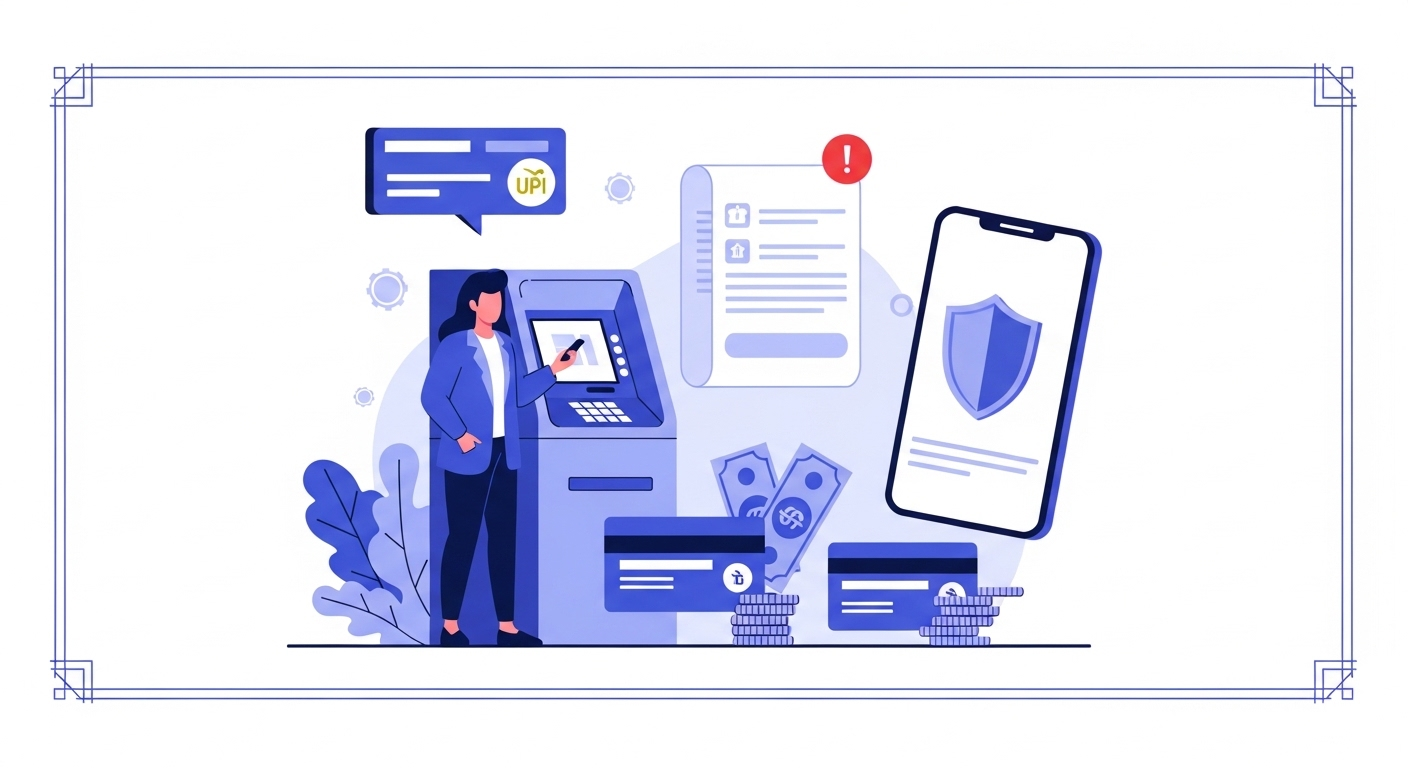
- Dedicated Transaction Banking: When making payments use a separate bank account with zero balance. This way even if a scam or hacked app gets access to your payment info your main savings stay safe.
- Paperless Document Execution: When verifying your identity online use digital methods, like e-Aadhaar. This way you don’t have to email copies of your documents, which can be easily stolen by hackers.
4. Compromised Accounts and Mysterious Outbound Messages
Your phone can be really vulnerable to hacking. One of the warning signs that your phone has been hacked is when the hacking starts to affect your personal and professional life.
You should check your text history and social media messages often. If your friends and family tell you they are getting links or spam messages from you your phone is probably being used by hackers to send bad stuff to others. They use your contact list to spread malware and send links to your friends and family. This way they can get past their security and infect their phones too.
5. Comparing Device Workflows: High Vulnerability vs. Mobile Resilience
| Mobile Asset Category | The Vulnerable Habit (System Hang Risk) | The Resilient Protocol (Mobile Strength) |
| Application Sourcing | Sideloading unverified application files from random websites. | Downloading exclusively from official app stores with strict safety reviews. |
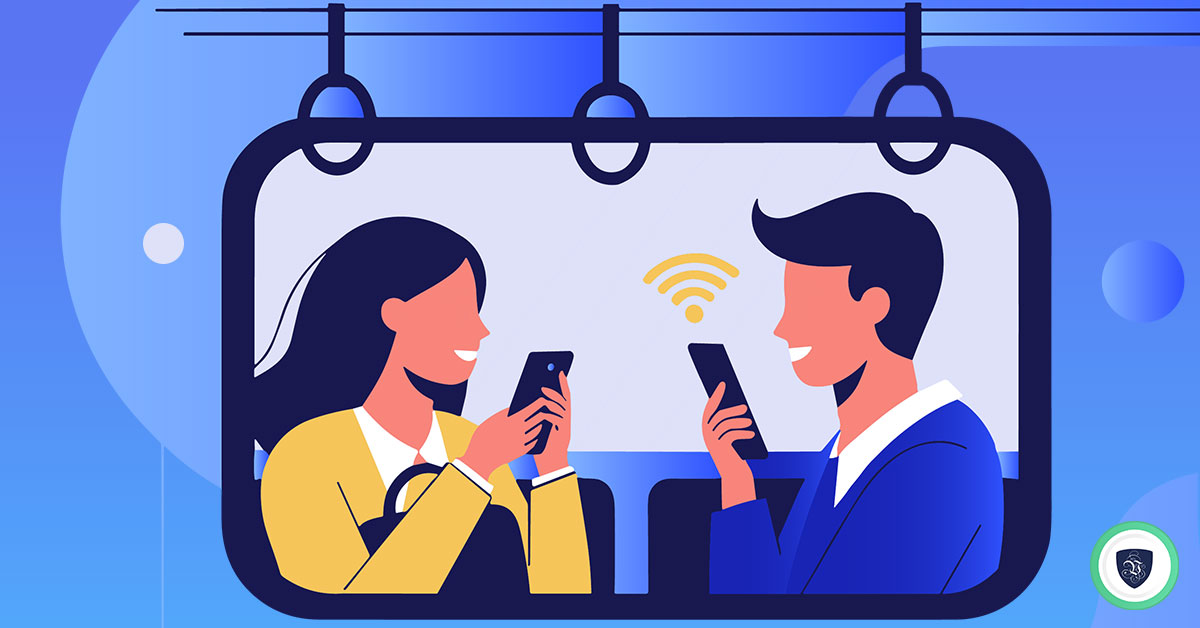
| Network Connectivity | Auto-connecting to free, open public Wi-Fi networks without protection. | Utilizing encrypted mobile data or running a premium VPN tunnel publicly. |
| Access Authentication | Utilizing a simple, predictable four-digit pattern lock. | Enforcing complex biometric scanning combined with long alphanumeric pins. |
| System Maintenance | Ignoring monthly security updates and operating system patches. | Enabling automated nightly software updates to fix system vulnerabilities instantly. |
6. Microphones and Cameras: The Silent Surveillance Threat
These days hackers do not just want your passwords. They want to be able to see and hear everything that is going on around you. They can use spyware to turn on your phones microphone and camera without you even knowing.
Look at the top of your phones screen. If you see a green or orange dot it means an app is using your camera or microphone. If you do not have an app open that is using your camera or microphone. You still see the dot someone might be watching or listening to you.
7. The “Fix It Now” Mobile Emergency Protocol
If you think your phone has been hacked you need to act to stop the hacker and protect your information:
- Isolate the Device: turn off your Wi-Fi and mobile data or put your phone in Airplane Mode. This will stop the hacker from sending your information to their server.
- Audit Device Administrators: go to your phones security settings and look at the list of apps that have special access. Get rid of any apps that you do not know or that have access to things they should not.
- Execute a Factory Reset: if your phone is still acting weird back up your files to DigiLocker wipe your phone clean and do a full reset. This will get rid of any stuff that is still, on your phone.
FAQs: Defeating Mobile Intruders
What are the most common signs your phone may have been hacked?
The primary indicators are an abrupt, massive drop in battery life, unexplained overheating when the phone is idle, unexplained surges in monthly data usage, and the appearance of unfamiliar applications on your home screen.
Can storing files in DigiLocker protect my mobile data?
Yes. If you keep your sensitive identity records and documents in DigiLocker, they are saved within an encrypted cloud network rather than your local phone gallery. This setup ensures that even if malware gains access to your phone’s local files, your primary identity documents remain secure.
What should I do if I find a strange app on my phone?
Uninstall the unfamiliar application immediately. Afterward, clear your mobile browser’s cache, run a comprehensive scan using a trusted mobile security app, and update your phone’s operating system to patch any security vulnerabilities.
Why is a zero balance bank account helpful for mobile security?
Linking your mobile payment apps to a dedicated zero balance bank account isolates your main savings. If a malicious app compromises your mobile wallet, your core capital stays safe in a separate, unlinked account.
Fortifying Your Mobile Sanctuary
Recognizing the early signs your phone may have been hacked is the most effective way to protect your digital life from cyber threats. In our modern digital era, we can access highly effective security tools—from encrypted cloud storage options like DigiLocker to secure paperless identity verification networks. However, your daily digital habits remain your strongest line of defense.
Take charge of your mobile privacy today. Keep your device updated with the latest security patches, avoid unverified application storefronts, and organize your sensitive files within a secure, encrypted framework. By treating your mobile phone with the care and security it demands, you can browse, work, and communicate safely and confidently.