Step into 2026, and you’ll notice everything online just moves faster. The digital world’s hardwired into almost every part of life, from moving money across the globe with a fingerprint to storing your most sensitive documents in government-approved clouds. Our online selves are worth more than ever. The trouble is, cybercriminals aren’t falling behind—they’re picking up speed too. If you’ve ever gotten that heart-dropping alert about an unknown login attempt, well, welcome to reality. These days, knowing how hackers actually steal your info isn’t just techy trivia—it’s survival. You need to know this, or risk getting sidelined.
Most cyber theft doesn’t come with the drama of a Hollywood movie. Hackers aren’t usually smashing their way into secure systems in seconds. Honestly, they’re just patient. They hang back, poke at little weaknesses—the password you haven’t changed since high school, the free Wi-Fi you keep using, the notification settings you ignored. It adds up. One tiny mistake can open the door, and suddenly your bank account or private files are up for grabs. So, let’s get straight to what matters: how hackers pull this off now, and what you can do to stop them before they get in.
1. The Anatomy of Modern Cyber Deception: Phishing and Identity Handshakes
Social engineering is still the hacker’s go-to move, especially the smarter brand called phishing. They don’t bother wrestling with tough encryption. Instead, they trick people—real, regular people—into handing over their info on a silver platter.

Forget those clumsy, typo-filled scam emails you used to see. In 2026, a phishing attempt might look like an official message from your bank, the government, or even your go-to delivery service. It’s slick, it’s urgent, and it demands you act fast—maybe claiming your account’s about to be locked. All it takes is a single click. The moment you follow their link, you land on a site that’s a spot-on clone. Your browser tries to connect, but the handshake’s bogus, and your passwords go straight to the hacker’s database.
2. Public Wi-Fi and the “Man-in-the-Middle” Vulnerability
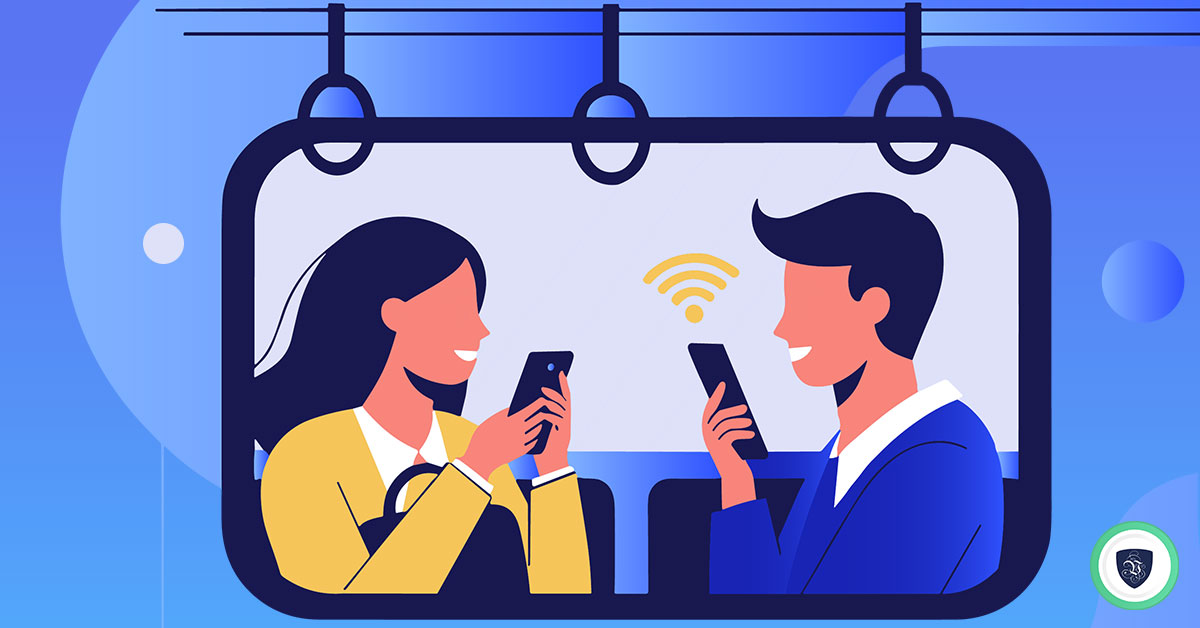
Free public Wi-Fi—it’s everywhere, and it’s tempting. But using that open connection at the coffee shop or bus station? That’s a classic trap.
Here’s what happens: You connect without thinking, but there’s a hacker on the same network. They slip between you and the actual Wi-Fi, acting as a secret middleman—a “man-in-the-middle.” Every message you type, every login you enter, flows right through their hands. They don’t just see your data; they scoop up your passwords and files, all without you noticing.
Staying aware of these tricks makes all the difference. The threats are evolving, but you can move just as fast.
The Public Wi-Fi Security Matrix
| Connection Profile | System Vulnerability | Potential Security Crack | Protective “Reboot” Strategy |
|---|---|---|---|
| Open Public Wi-Fi | Zero encryption protocols; open packet broadcasting. | Interception of active session tokens and passwords. | Avoid logging into personal or sensitive accounts entirely. |
| Spoofed Hotspots | Rogue routers designed to mimic authentic free networks. | Complete exposure of all transmitted web activity. | Cross-verify the exact network name with staff before connecting. |
| Secure VPN Channel | Encrypted tunnel routing over a standard connection. | Protects data; prevents external viewing of traffic. | Always engage an active, premium VPN before browsing publicly. |
3. Securing Your Identity Assets with High-Tier Digital Hygiene
If you really want to keep hackers from getting their hands on your personal info, you need to upgrade how you handle your documents. Going paperless with a solid, verified digital system makes a huge difference—suddenly, stacks of sensitive papers aren’t sitting around, and your digital risk drops too.

- Verified Paperless Archiving: Storing things like property deeds, tax returns, or certificates in a drawer is just asking for trouble—they can get lost, stolen, or damaged. Instead, move everything to something like DigiLocker. You get a digital vault that’s locked down and organized, and every file you upload is encrypted and backed by official verification. Whenever you need access, there’s a secure handshake that proves you’re really you.
- Identity Verification Safeguards: Hackers love to mess around with SIM swaps to take over digital accounts. The best way to stop them? Make sure your main phone number is tied to your government ID. That way, when there’s a verification step, it takes more than just a phone number—a biometric check is in the mix, too. Criminals can’t fake that.
- Dedicated Transaction Banking: For banking, keep your main savings separate from your day-to-day spending. Set up a zero-balance account just for online payments. So if one shady website gets hacked, your savings stay untouched. It’s a simple thing, but it lets you breathe easier.
- Paperless Document Execution: When you need to share your documents—like for jobs or property deals—use e-Aadhaar and other official paperless verification systems. Don’t send email attachments or photos of your ID. That’s an easy loophole for hackers. With e-Aadhaar, everything happens within a secure, verified channel, and your private info stays private.
4. Malware and Keyloggers: The Silent System Surveillance
Malware is still one of the biggest headaches in cybercrime. Hackers love hiding tracking scripts in sketchy third-party downloads, cracked software, or shady browser extensions. People often don’t realize what they’re letting onto their system until it’s too late.Take keyloggers, for example. Once one sneaks onto your computer, it quietly records every single thing you type—messages, passwords, you name it. Then, it bundles up all that information and ships it off to some remote server. Standard protections like autofill don’t stand a chance against this trick. The malware just grabs your login details and keeps you in the dark; there’s usually no warning, no big red flag on your screen.
5. Comparing Defensive Workflows: High Vulnerability vs. Cyber Resilience
| Security Asset Category | The Vulnerable Habit (System Hang Risk) | The Resilient Protocol (Cyber Strength) |
|---|---|---|
| Password Management | Reusing a single simple password across multiple web platforms. | Utilizing complex passphrases managed inside a dedicated encrypted vault. |
| Two-Factor Authentication | Relying purely on basic, easily intercepted SMS OTP routing. | Using hardware security keys or authenticator apps for access. |
| Document Retention | Saving loose image files of sensitive identity cards in phone galleries. | Utilizing secure, encrypted digital environments like DigiLocker. |
| Software Updates | Ignoring or delaying regular operational patch reminders. | Enabling automated nighttime updates to fix security cracks immediately. |
6. Credential Stuffing: The Danger of Password Reuse
Another problem? So many people recycle the same password for different accounts, just to avoid the hassle of remembering a bunch of them. Hackers use this to their advantage with something called “Credential Stuffing.”
Here’s how that works: if a small forum or an online shop gets hacked, attackers grab the database of usernames and passwords. Then they run these combos through special software, testing them one after another on big banking sites, email providers, and social networks. If a silly old forum account shares a password with your main email or bank, a tiny breach can turn into a complete meltdown for all your online accounts.
7. The “Fix It Now” Digital Emergency Protocol
If you think someone has gotten into your accounts or they have been affected by a problem on the internet you need to do something away to keep your information safe.
- Trigger a Global Password Reset: Go ahead and change the password for your main email account using a device that you are sure is safe. Your email account is like the key to all your online stuff so making it more secure will stop people from getting into your accounts without your permission.
- Audit Active Sessions: Go to the security settings on the websites you use the most and select the option that says “log out of all sessions”. This will disconnect any devices that are using your accounts without your knowledge.
- Verify Your Identity Links: Look at your accounts to make sure nobody has changed your contact information. Also check your DigiLocker account to make sure all the connections, to your identity are still secure.
FAQs: Defeating Cyber Criminals Online
What is the main way hackers steal personal information online?
The primary method is phishing. Malicious actors rely on clever psychological manipulation to trick users into typing their credentials into fraudulent clone sites, choosing human deception over brute-force hacking.
Can using DigiLocker shield me from identity theft?
Yes. Storing your sensitive data in DigiLocker keeps your documents inside an encrypted, verified network. This minimizes the risk of losing physical copies and stops hackers from finding loose document images in your email or phone gallery.
Why is a zero balance bank account helpful for cyber security?
A dedicated zero balance bank account keeps your primary savings isolated from daily online spending. If a shopping portal suffers a data leak, only the minimal funds in your transactional wallet are exposed, keeping your core capital safe.
What is the safest way to create a password?
Create a long passphrase using four or five random words combined with symbols and numbers (e.g., BlueSpaceHorse#2026). This approach makes the password incredibly complex for cracking software to guess while remaining simple for you to remember.
Mastering Your Digital Fortification
Understanding how hackers steal personal information online is the foundation of digital safety. In our modern era, we can access exceptional security tools—from secure, paperless verification systems to authenticated digital storage like DigiLocker. However, the ultimate shield remains your personal discipline.
Take charge of your security today. Secure your profiles with advanced authentication apps, organize your identity files safely within an encrypted framework, and avoid the trap of password reuse. By treating your digital presence with the care it deserves, you can navigate the internet safely and confidently.
To better understand how these cyber threats operate in real-world scenarios, take a moment to explore this highly informative visual breakdown on How Hackers Actually Steal Data. It provides an exceptional, step-by-step analysis of the common structural flaws users overlook, helping you configure your personal firewalls and digital assets with professional-grade resilience.