In early 2026, Microsoft Threat Intelligence noticed something big: QR code phishing—people call it “quishing”—shot up faster than any other kind of email attack. This isn’t just a twist on old scams. It’s a real change in how hackers slip past security systems and go after folks’ sensitive info and bank accounts.
1. Why Quishing is Rising
Hackers know that the usual tricks with bad links and shady attachments aren’t working so well anymore—those email security filters catch them pretty fast.
- Filter Evasion: But with QR codes, it’s different. These codes are just images, so most email scanners can’t tell what website hides behind them, unlike with a regular link.
- Device Switching: Plus, when you scan a QR code, you usually jump from your secure work computer to your phone. And let’s be honest: most people’s personal phones just don’t have the same level of protection as their office computers do.
- Social Engineering: People trust QR codes. So it feels natural to scan one and not give it too much thought. That’s exactly what attackers are counting on.
2. Common Quishing Scenarios in 2026
Microsoft’s report identifies several high-frequency tactics used by threat actors this quarter:
| Attack Vector | Tactic Used | Goal |
| Urgent Security Alerts | A fake “Password Expired” email asking you to scan a code to reset it. | Credential theft (Email/Identity). |
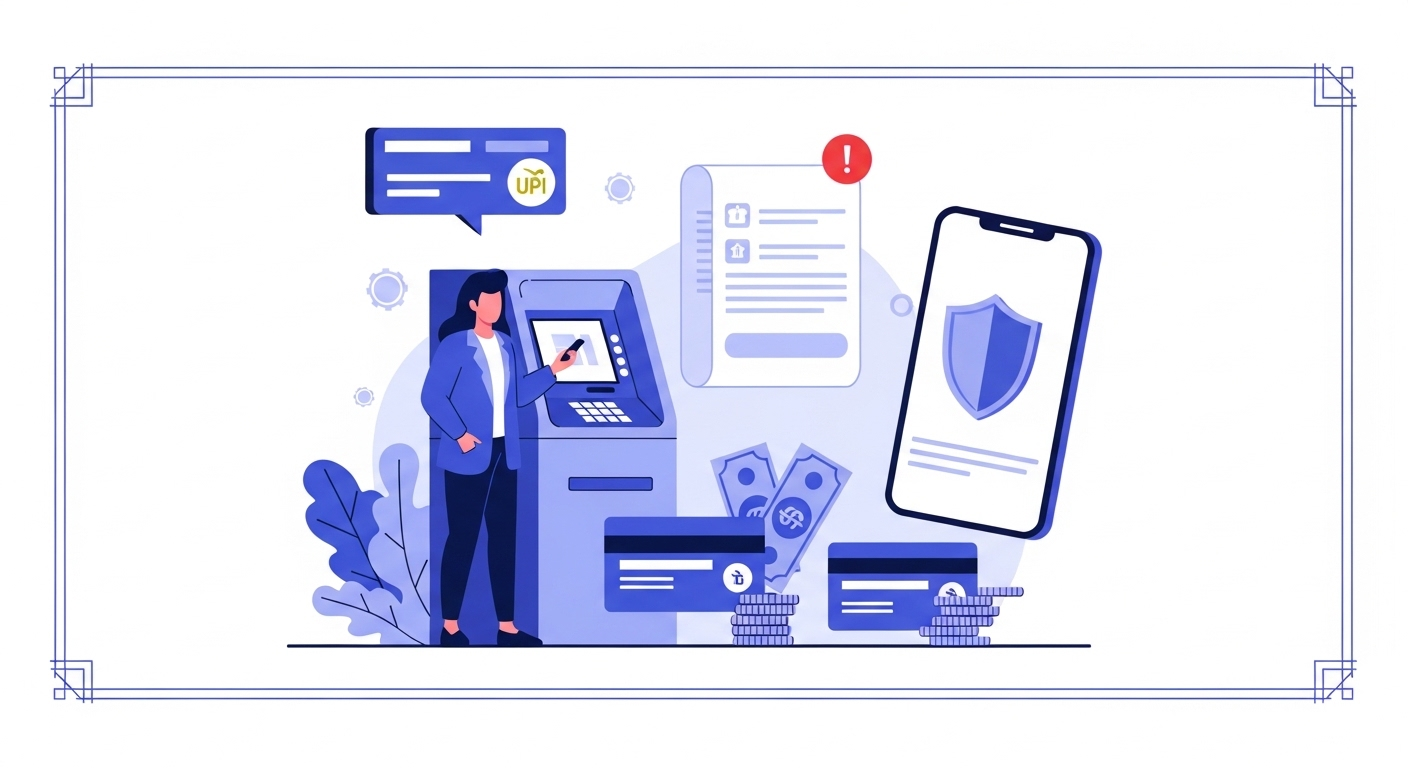
| Financial Updates | Fake notifications about a zero balance bank account requiring a KYC update via QR. | Financial fraud & banking access. |
| HR/Benefits | Scanning a code to view “New Company Policy” or “Bonus Structure.” | Corporate network intrusion. |
| Shipping Labels | A “Missed Delivery” notice where the QR code leads to a fake tracking site. | Personal data harvesting. |
3. Protecting Your Digital Identity
Attackers are going after identity systems more than ever, so keeping your digital habits sharp really matters.
- Multi-Factor Authentication (MFA): Take Multi-Factor Authentication (MFA), for example. Microsoft points out that while methods like quishing can trick people into giving up their credentials, using a hardware token or biometric login makes it much tougher for anyone to break in.
- Identity Verification Safety: When it comes to verifying your identity, especially for something sensitive like your Aadhaar or any government ID, be extra cautious with emails pushing you to scan a QR code. By 2026, legit services—think DigiLocker or official government sites—won’t send you random QR codes over email. They’ll use their apps or send OTPs directly to the number linked to your Aadhaar, not some sketchy link.
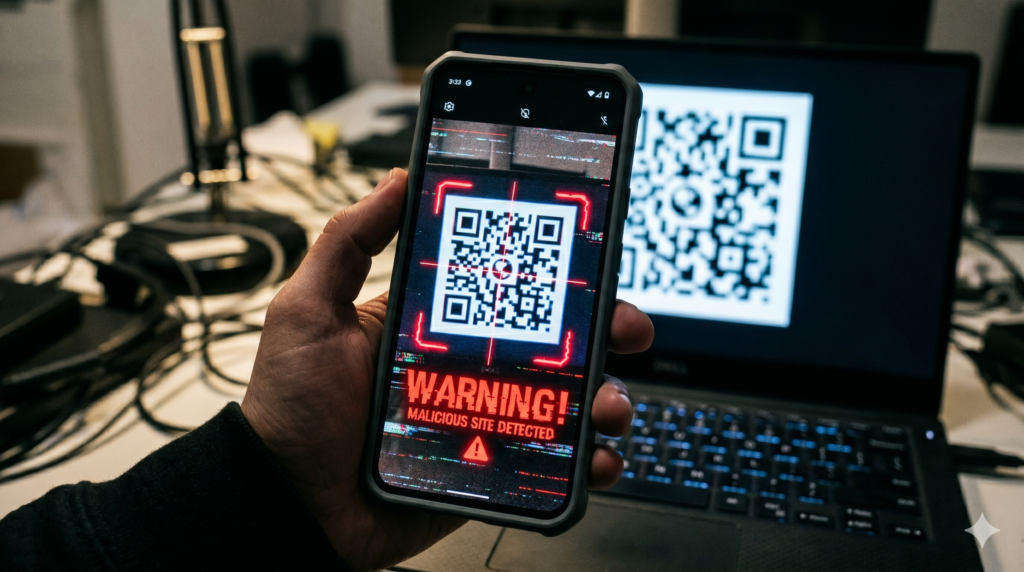
- Preview the URL: Most modern smartphone cameras will show a preview of the URL before you click to open it. If the domain looks suspicious (e.g.,
micros0ft-login.cominstead ofmicrosoft.com), do not proceed.
4. Organizational Defense Strategies
Microsoft Threat Intelligence suggests that organizations update their protocols for cybersecurity:
- Advanced Image Analysis: Implement security solutions that can deconstruct and scan the URLs embedded within images and QR codes in real-time.
- User Education: Conduct simulated quishing drills to train employees to recognize the signs of an image-based attack.
- Mobile Protection: Encourage the use of secure mobile browsers that provide “Safe Browsing” protections even when a QR code is scanned from an external source.
FAQs on QR Code Security
Is every QR code in an email dangerous?
No, many are legitimate. However, if an unsolicited email requires you to scan a code for an urgent task (like fixing a bank account issue), it is a major red flag.
Can scanning a QR code instantly infect my phone?
While rare, “zero-click” exploits exist. More commonly, the code leads to a phishing site designed to trick you into entering your password or Aadhaar details.
What should I do if I already scanned a suspicious code?
Immediately change your passwords for the targeted service, enable MFA, and monitor your zero balance bank account or primary accounts for unauthorized activity.